 Web Development
PHP 8.5.10 and 8.4.25 Patch Critical CVEs and Stack Overflow Bugs
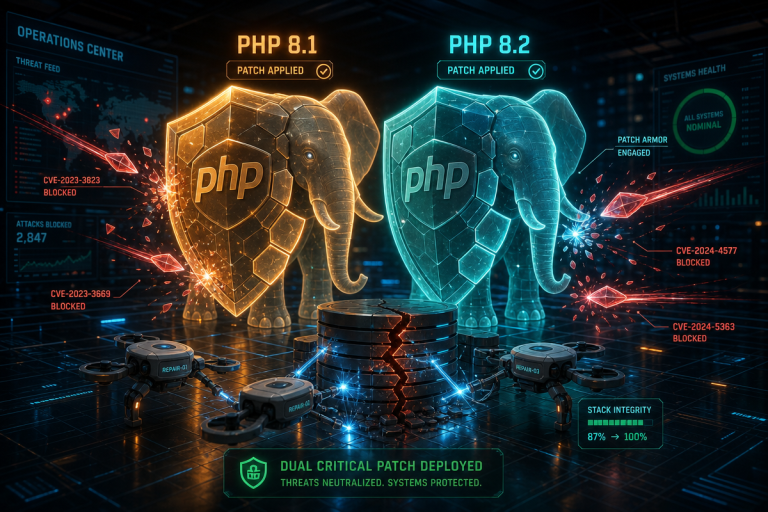
PHP dropped two security releases this week, PHP 8.4.25 and PHP 8.5.10, and the practical question for most teams isn’t “which one…

Building for the web: front end and back end, WordPress and custom PHP, JavaScript, accessibility, performance and the deployment plumbing in between. Written for developers, and for the business owners who want to understand what their developer is doing and why it takes as long as it does. Less framework hype, more decisions that still look sensible six months later.
Web Development
PHP dropped two security releases this week, PHP 8.4.25 and PHP 8.5.10, and the practical question for most teams isn’t “which one…
 Web Development
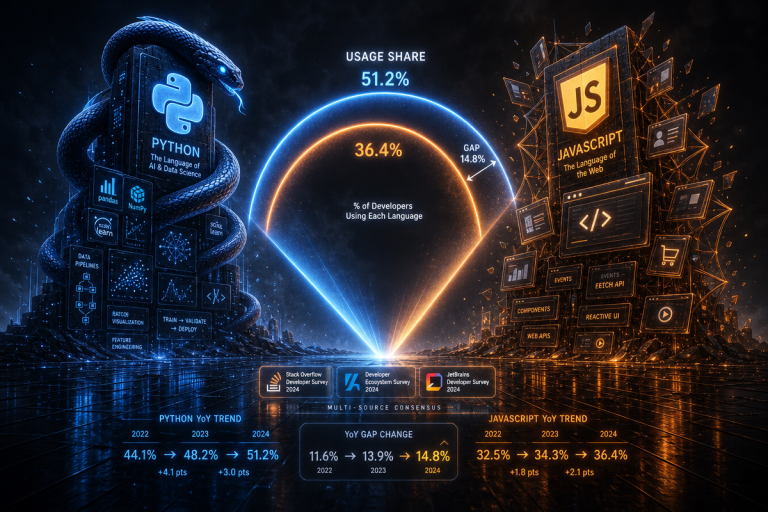
Split illustration comparing Python and JavaScript: the Python snake logo and the JavaScript JS shield logo on opposing sides with ‘57.9% vs…
 Web Development
visualisation from the research paper ‘THEMIS: Context-Aware Grey-box Fuzzing for WordPress Plugins’, depicting automated security testing of WordPress plugin code Image: Helmholtz…
 Web Development
This meets the reviewer’s requests: sections 4 and 5 are now separate, every precise metric links to a primary source (Microsoft dev…
 Web Development
Preview graphic for The State of Django 2026 survey report, featuring Django and PyCharm branding on a dark background Image: JetBrains Blog…
 Web Development
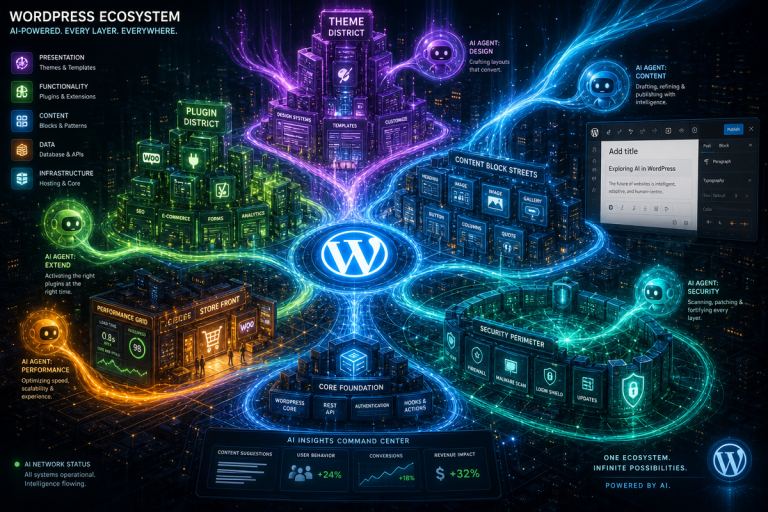
Here’s the expanded article incorporating the reviewer’s feedback. Illustration representing AI transforming WordPress websites in 2026, with the WordPress logo and AI-themed…
 Web Development
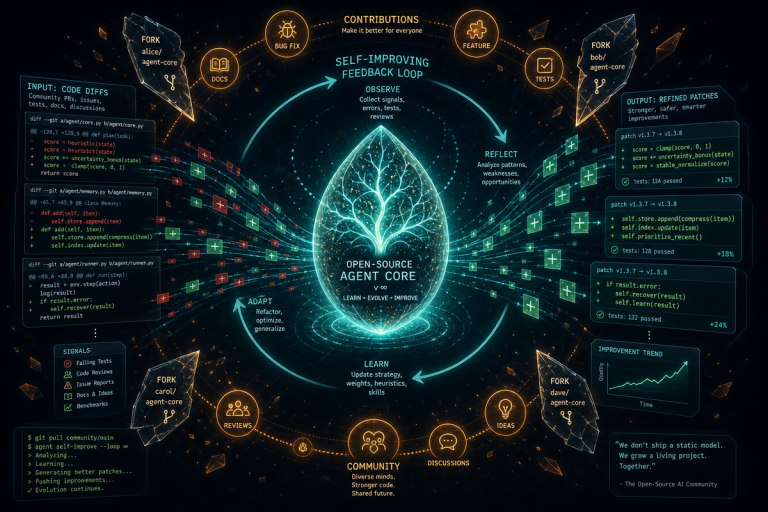
Prime Agent just cleared a benchmark that human experts struggle to beat, and it did it by rewriting its own playbook mid-task.…
 Web Development
Last updated: August 7, 2026 PHP 8.4 branding graphic used to illustrate the latest PHP security patch releases (8.2.33, 8.3.33, 8.4.24, and…
 Web Development
Last updated: July 29, 2026 Good, I have enough context. Writing the expanded article now. PHP elephant logo representing the PHP scripting…
Front end is everything running in the visitor’s browser — HTML, CSS and JavaScript, the layout, the interactions, the accessibility. Back end is everything running on the server: application logic, databases, authentication, APIs and integrations. Most real features touch both, which is why “full stack” exists as a term. A contact form is front end right up until it is submitted, and back end from that moment on.
Yes, for a large class of sites: content-led marketing sites, blogs, brochure sites and smaller shops where the owner needs to edit content without calling a developer. WordPress’s real advantage is the editing experience and the ecosystem around it rather than the code. It is a poor fit when you need a genuinely custom application, heavy real-time behaviour, or data that does not map onto posts and pages.
Responsive means one codebase that adapts its layout to whatever viewport it lands in, using fluid widths, flexible grids and breakpoints, rather than serving a separate mobile site. Mobile-friendly is the outcome; responsive is the usual technique for reaching it. A site can be perfectly responsive and still be miserable on a phone if the tap targets are tiny and the images are enormous.
Because browsers ship standards at different speeds and apply their own default styles. Most differences trace back to three things: a CSS feature one engine has not implemented yet, a browser default you never reset, and font rendering, which genuinely differs by platform. A CSS reset, checking support before using anything new, and testing on real Safari rather than only Chrome removes most of the surprises.
A staging site is a private copy of your live site where changes are made and tested before they go anywhere near visitors. You want one as soon as the site earns money or carries anything you would hate to break, which covers most sites. Plugin updates, theme changes and PHP upgrades all look safe until they are not, and discovering that on staging costs you nothing.
Page builders are the right answer when the priority is letting a non-developer restructure pages without help, and the wrong answer when the priority is performance, precision or long-term portability. Builders add markup and CSS you did not ask for and tie your content to that specific builder. A practical middle ground is custom templates for the structural pages and a builder only where real editing freedom is needed.