
Announcement graphic for WordPress.com Education, the free student plan from Automattic for classrooms and web creators
Image: Automattic/WordPress.com via TechCrunch
Sign a student up for WordPress.com Education today and they’re pushing commits over SFTP, not waiting on a school IT ticket to get hosting approved. That’s the immediate change: on Monday, 17 August 2026, at WordCamp US, Automattic launched a free WordPress student plan that gives learners the same infrastructure – staging environments, SSH access, real database tools – that professional developers use daily, at no cost for the first year.
If you’ve ever taught (or taken) a web development class that spent its first three weeks fighting hosting permissions, locked-down school servers, or a shared cPanel account nobody remembers the password to, you know why that matters. The plan removes the infrastructure step entirely.
What’s actually in the student plan
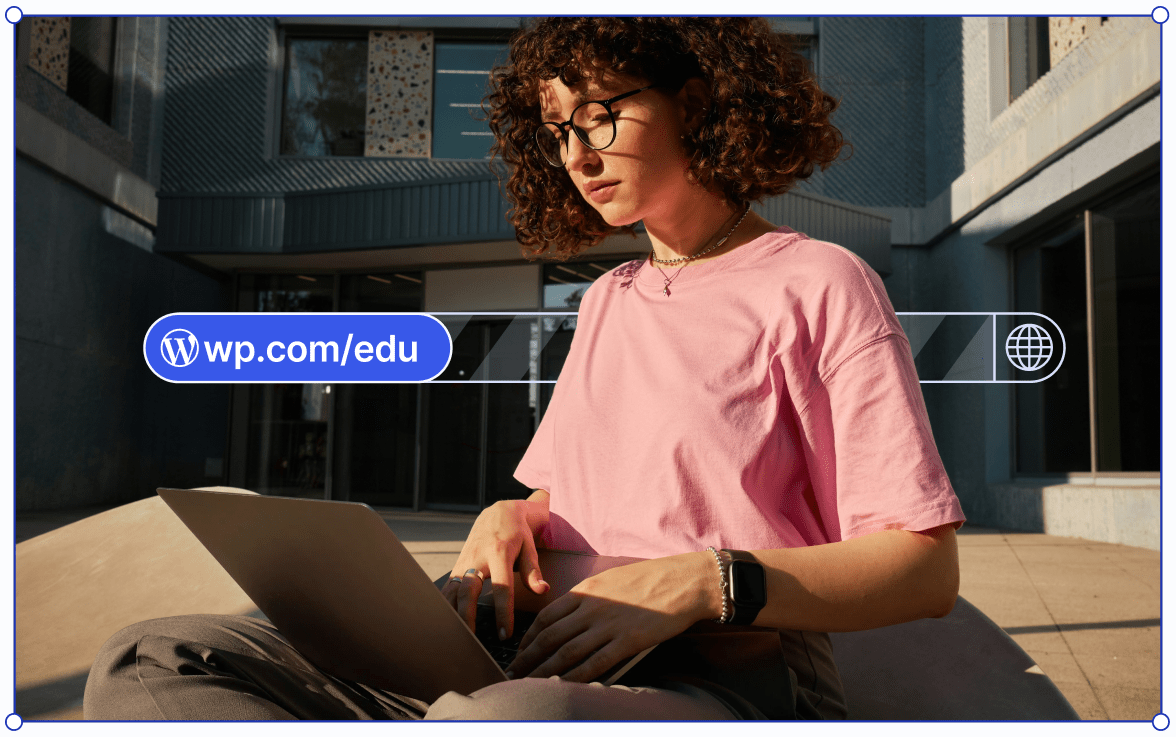
Image: Image: Automattic/WordPress.com via TechCrunch
Each student gets a WordPress.com account with a free custom domain on the .blog or .art top-level domain (TLD) – so a portfolio can live at yourname.art instead of a subdomain three folders deep. Domain choice is currently limited to those two TLDs; there’s no option to bring your own domain or register a .com under the free tier, so treat this as a learning and portfolio environment rather than a permanent brand home.
Beyond the domain, the plan includes 6GB of storage, automated backups, staging sites for testing changes before they go live, full plugin support, SFTP/SSH access, phpMyAdmin for direct database work, and Studio Sync for local-to-live development. That’s a feature set that would comfortably run a small business site. Handing it to a first-year student is closer to a driving school putting learners in the actual car they’ll drive after the test, not a stripped-down simulator.
Teachers – not students – control activation, and can enrol an entire class at once. Automattic hasn’t published a public list of every country or educational institution type covered, and access is granted through the teacher/institution sign-up flow rather than being open to any individual learner who wants in; anyone building a curriculum around this should verify eligibility for their specific school or programme before committing lesson plans to it. Support is via WordPress.com’s standard help channels rather than a dedicated education tier, which is worth knowing before you rely on it for a graded assignment with a hard deadline.
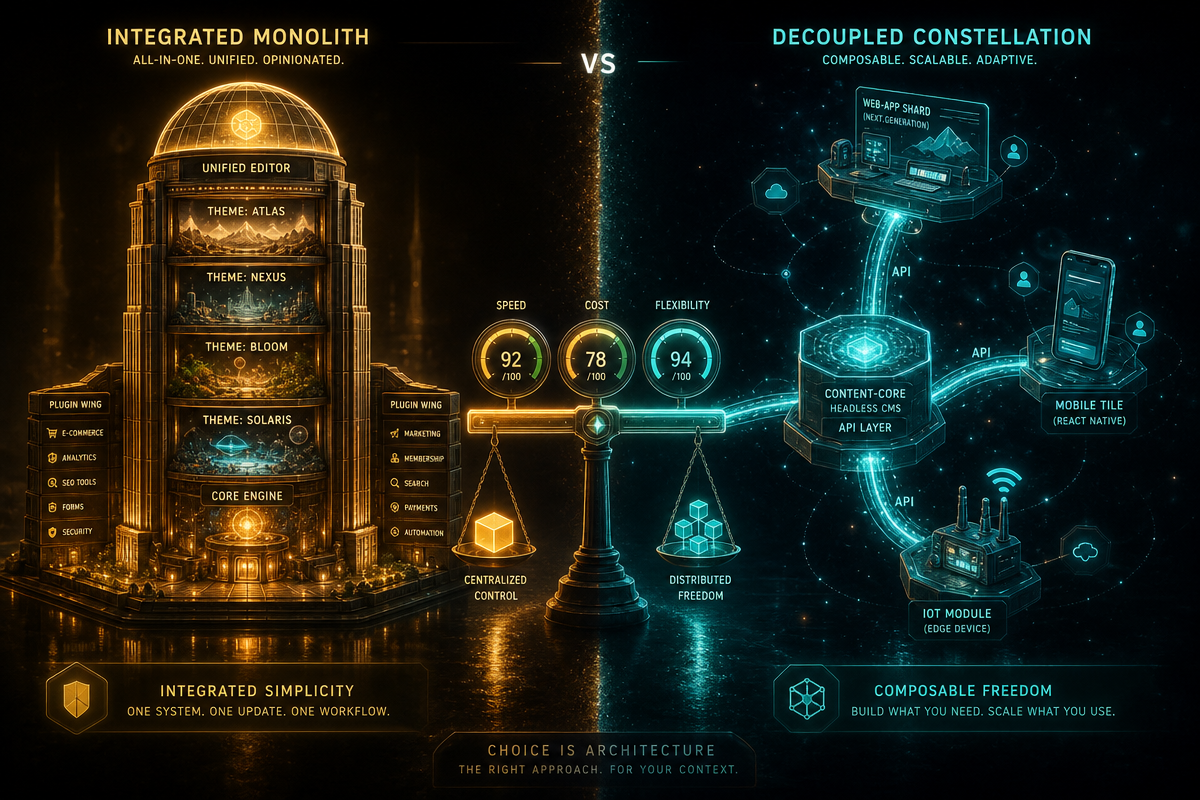
If you’re weighing a hosted platform like this against building on your own infrastructure from day one, our piece on WordPress vs. custom development covers the same trade-offs students will eventually meet professionally.
Does the free plan actually work in the classroom?
Automattic piloted the programme with 5,000 students across 27 countries before this public launch. The company reports 88.9% of participating educators said it improved students’ employability, and 81.5% said it boosted entrepreneurial capacity. Those numbers come from Automattic itself, not an independent study, so read them as a company-cited signal rather than peer-reviewed proof – useful, but worth a pinch of scepticism until third-party data shows up.
The underlying platform’s reach is easier to verify: WordPress powers roughly 43% of all websites, a figure regularly tracked by W3Techs’ usage surveys. Teaching a student to build on WordPress means teaching them the plumbing behind a large share of the web, not a niche tool that stops being useful outside the classroom.
Critics might argue Automattic is simply farming future paying customers by hooking them young. That’s a fair read – and it doesn’t cancel out the first one. A free, capable learning environment can be both a genuine educational tool and a smart acquisition funnel.
Myth: “free” means “throwaway”
Free education tiers are often built to be abandoned – use it for the semester, lose everything the moment the trial lapses. That’s not what happens here. After the first year, students can subscribe for $2 a month ($24 a year) to keep premium features. If they don’t, the site doesn’t disappear – it drops to a free WordPress.com site on a free domain, with pages, posts, comments, and uploaded media intact. (Pricing and the downgrade mechanics are as stated in Automattic’s launch materials; confirm current terms before advising students, since promotional pricing on hosting plans tends to shift.)
That matters because a portfolio site is often a student’s first piece of public, linkable proof of work – the thing that goes on a CV or gets sent to a recruiter. A platform that deletes that on non-payment teaches the wrong lesson about the durability of your own work. Downgrade-not-delete means a second-year project can still be live when a student is job-hunting.
It’s also a retention mechanic worth naming: a live site with your name on it is a stronger nudge to pay $2 a month than a dead link would be. Both things are true at once.
For students who outgrow the hosted platform and start asking headless or API-first questions, our comparison of headless CMS vs. WordPress is a natural next stop, and those building automated data projects alongside their site might find our look at web scraping in PHP vs Python useful too.
So does free, full-featured hosting change who gets to become a web developer? Given the feature set, the pilot numbers (company-reported, but directionally credible), and the no-penalty downgrade path, the honest answer is yes – it removes the single biggest early obstacle, and that obstacle was never talent, it was access to proper tools.
Frequently Asked Questions
Q: What is included in the WordPress.com student plan?
A: A WordPress.com account, a free custom domain on .blog or .art, 6GB of storage, automated backups, staging sites, plugin support, SFTP/SSH access, phpMyAdmin, and Studio Sync – free for the first year with no credit card required.
Q: What happens to a student’s site after the free year ends?
A: Students can subscribe for $2 a month ($24 a year) to keep premium features, or decline and have the site downgraded to a free WordPress.com site on a free domain, with pages, posts, comments, and media preserved.
Q: Who can activate the student plan, and is it available everywhere?
A: Teachers activate access for their classes through WordPress.com’s education sign-up flow – it isn’t a self-serve option for individual students. The pilot covered 27 countries; confirm eligibility for your specific school or region before building a course around it.
Q: What are the practical limits?
A: Domains are restricted to the .blog and .art TLDs, with no option to bring your own domain on the free tier. Support runs through WordPress.com’s standard channels rather than a dedicated education queue.
Q: How effective was the pilot programme?
A: Automattic piloted it with 5,000 students in 27 countries; 88.9% of educators reported improved student employability and 81.5% reported improved entrepreneurial capacity. These are company-reported figures, not independently verified.
Q: Why does it matter that WordPress powers around 43% of websites?
A: Learning WordPress means learning the infrastructure behind a large share of the web, per W3Techs’ tracking – giving students transferable, in-demand skills rather than experience with a niche or disposable tool.
Once those students graduate into building for actual clients, they’ll hit the limits of any hosted platform – custom functionality, complex integrations, performance at scale. That’s where a dedicated development partner comes in. DRS Web Development builds custom websites and web applications for businesses of all sizes; if you’ve outgrown the classroom sandbox, get in touch for a free consultation.
This article was researched and written with AI assistance, then reviewed for accuracy and quality. Riya Shah uses AI tools to help produce content faster while maintaining editorial standards.
Need help with your web project?
From one-day launches to full-scale builds, DRS Web Development delivers modern, fast websites.