

Last updated: June 9, 2026

Image: Forrester
Imagine you’ve just shipped a feature in record time – your AI code assistant churned out 300 lines in minutes. Then you spent two days waiting for QA, another day on deployment approvals, and half a week in review cycles. Sound familiar?
By the end of this article, you’ll understand exactly why that pattern keeps repeating, and how agentic software development – where AI orchestrates your entire SDLC rather than just autocompleting code – breaks it. You’ll also have a working framework for assessing where your team sits today and which steps to take next.
Forrester’s The State Of Agentic Software Development, 2026 calls 2026 the inflection point. This is the guide for teams who want to act on that signal rather than wait.
Prerequisites

Image: Forrester
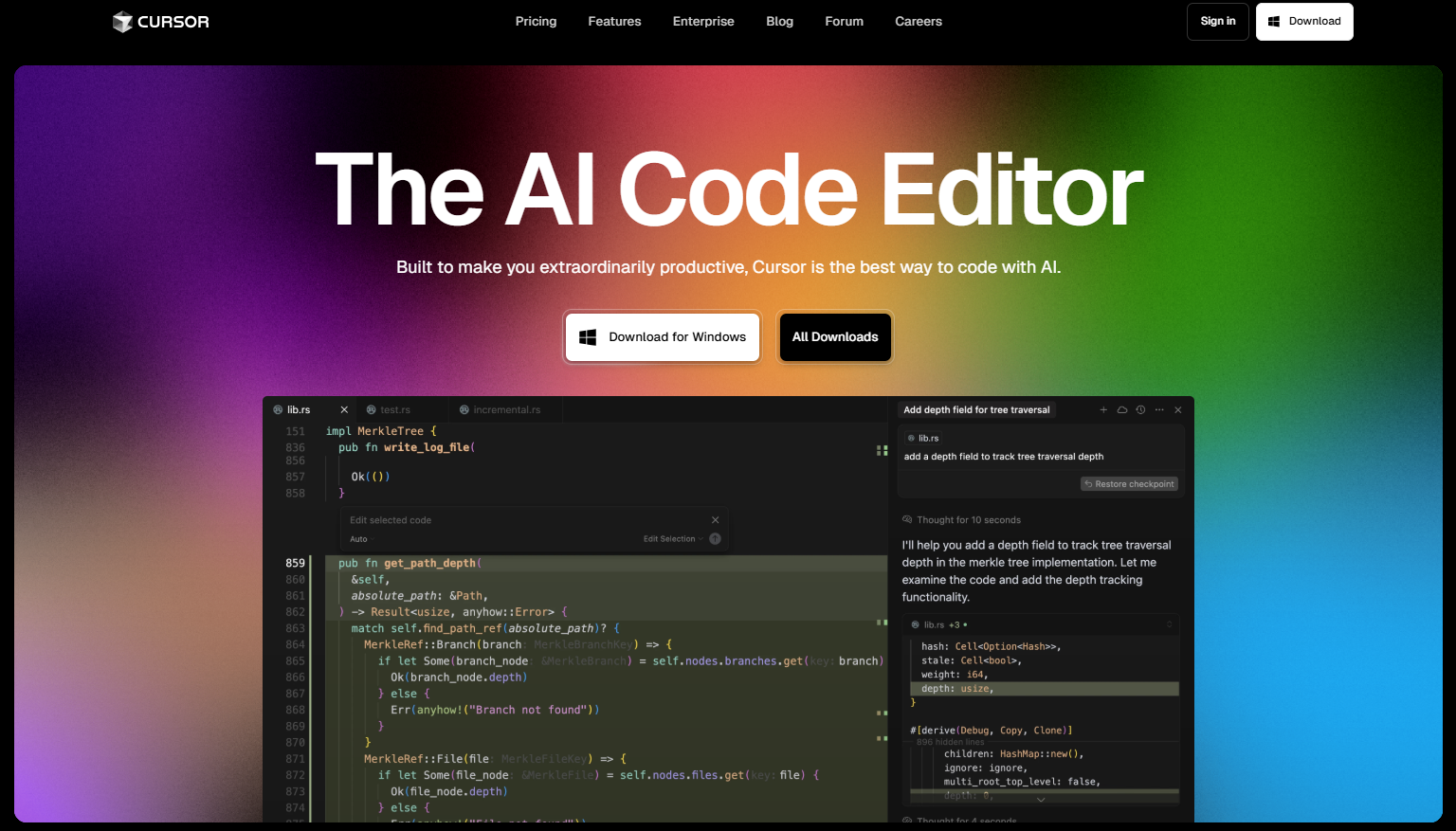
You’ll need a basic understanding of your current development workflow, familiarity with at least one AI coding tool (Copilot, Cursor, Claude Code, or similar), and access to your CI/CD pipeline configuration. No ML expertise required – this is about workflow architecture, not model training.
Step 1: Understand Where AI Assistance Has Been Sitting
The answer, until recently, was a single lane: code generation. Forrester maps three distinct phases. In 2023-2024, TuringBots focused almost exclusively on coding and unit testing. By 2025, they expanded to documentation and broader test generation. In 2026, we reach orchestrated agents – systems spanning analysis, planning, design, build, test, and delivery as a single coordinated workflow.
Why this matters: When factories introduced conveyor belts, they optimised one station brilliantly – and created enormous queues before and after it. Early AI coding tools did exactly the same thing to software teams.
Step 2: Audit Your Real Productivity Bottleneck
This is where the data gets uncomfortable. According to Forrester’s analysis, isolated coding improvements of 30-40% can translate to less than 10% overall team productivity gains when planning, testing, and release remain manual. The bottleneck doesn’t disappear – it relocates.
Run this audit on your last five features:
Feature: ___________
Time in AI-assisted coding:          __ hours
Time in planning/requirements:       __ hours
Time waiting for test results:       __ hours
Time in review/approval cycles:      __ hours
Time on release/deployment:          __ hours
If the last four rows dwarf the first, your team is experiencing the relocation problem. The metric to watch is cycle time from ticket-open to production, not lines-of-code-per-hour.
Step 3: Configure Agent Orchestration Across Pipeline Stages
Agentic SDLC means giving an agent high-level intent and letting it decompose the work autonomously.
Before (isolated assistant):
Developer asks for a login function. Agent returns a code block. Developer manually writes tests, updates docs, opens PR.
After (orchestrated agent):
Developer provides intent and context. Agent analyses the codebase, generates implementation, writes integration tests, updates API docs, creates the PR with a description, and flags edge cases for human review.
To enable this, your agent needs context about your project conventions:
# .agent-context.yml
project_conventions:
  auth_pattern: jwt_middleware
  test_framework: jest
  doc_format: jsdoc
  pr_template: .github/pull_request_template.md
review_required_for:
  - database_migrations
  - auth_changes
  - public_api_changes
This gives an orchestrating agent enough context to act with intent rather than just instructions.
What this looks like in practice
Here’s a concrete example. A team picks up a ticket: “Add rate limiting to the password-reset endpoint.” With an isolated assistant, a developer writes the middleware, manually adds tests, updates the API docs, and opens a PR. The review cycle starts two hours later. Actual coding: 25 minutes. Everything else: three hours.
With an orchestrated agent configured against that .agent-context.yml above, the workflow changes materially. The developer describes the intent – rate limiting on the reset endpoint, tied to the existing JWT middleware pattern. The agent reads the relevant files, generates the middleware, writes integration tests against the Jest config it found, adds a JSDoc entry to the API reference, and opens a PR populated from the team’s PR template. It flags one edge case: the existing middleware doesn’t handle IPv6 forwarded headers, so the PR description includes a note for the reviewer. The developer’s job is now to review that flag and approve. Coding to open PR: under ten minutes. Review time cut because the description already explains the trade-offs.
That’s not a hypothetical. Teams piloting tools like GitHub Copilot Workspace and Claude Code in agentic mode are reporting this kind of cycle compression on well-scoped tickets – the gains are most consistent when the agent has clear conventions to work from and a tight scope.
Step 4: Keep Humans in the Accountability Loop
Agentic does not mean autonomous without oversight. Forrester is explicit: humans retain accountability. The design goal is to move humans from doing to reviewing – specifically at high-risk decision points.
Define your accountability gates:
Agent-autonomous:
  ✓ Unit and integration test generation
  ✓ Documentation updates
  ✓ Dependency audits
  ✓ Code style and lint fixes

Human-reviewed:
  ✗ Database schema changes
  ✗ Authentication and authorisation logic
  ✗ Production deployment approval
Early adopters using this model report significant developer output multipliers – some teams claim 3-4x, though results vary considerably based on codebase complexity and how tightly the accountability gates are defined. The gain comes not from removing humans, but from removing humans from tasks where their judgement adds no differential value.
Step 5: Address the Quality Gap Before It Widens
Tricentis’ 2026 Quality Transformation Report suggests that a significant share of organisations – the report cites around 60% of those surveyed – are already shipping undertested code as AI accelerates velocity. Speed without coverage is not progress. You might think higher velocity naturally brings higher quality through faster iteration; it doesn’t, unless quality gates are built in.
Build quality gates into the agent’s workflow contract, not as an afterthought. Wire coverage thresholds into your CI pipeline so it fails if agent-generated code doesn’t meet your minimum – this keeps velocity without sacrificing safety. Treat test generation as a first-class output, not an optional extra.
Step 6: Manage the Security and Auditability Risks
Agentic systems introduce a permission surface that isolated assistants don’t. An agent that can open PRs, update docs, and trigger CI pipelines has write access to your project. That’s useful – and risky if misconfigured.
Three things to address before expanding agent scope:
Least-privilege credentials. The agent should operate with the minimum permissions needed. A documentation agent doesn’t need database access. Scoped tokens, not master credentials.
Audit trails. Every action an agent takes should be logged against the triggering developer’s identity. If an agent opens a PR, that PR needs to show who initiated the workflow, not just the agent’s bot account. This matters for compliance, incident response, and simple accountability.
Prompt injection risk. Agents that read external inputs – issue trackers, user-submitted bug reports, third-party API responses – can be manipulated via crafted content in those inputs. Treat agent inputs from external sources the same way you’d treat user input in a web form: validate and sanitise before acting.
None of this is exotic. It’s the same security hygiene applied to CI/CD service accounts, extended to agentic workflows. The discipline is familiar; the application is new.
Troubleshooting
Agent outputs ignore your existing conventions: Your context file is too sparse. Add concrete examples from your codebase – agents pattern-match better from examples than descriptions.
Developers bypass agent workflows to “just do it manually”: The delegation boundary is wrong. Agents are handling tasks where developers reasonably want control. Revisit your accountability gates.
Test coverage drops as velocity increases: Quality gates aren’t wired into the agent’s workflow contract. The Tricentis data suggests this is already a widespread failure mode.
Agent actions can’t be traced back to a developer: Your audit configuration is missing. Every agentic action should be attributable to the person who initiated it – fix this before expanding the agent’s permissions.
Next Steps
The market signal is clear. Gartner’s 2026 Magic Quadrant for Enterprise AI Coding Agents – published May 2026 – names Anthropic, Cursor, GitHub, and OpenAI as Leaders, with AWS, Google, and Alibaba Cloud dropping out of the Leaders quadrant they held in earlier iterations. Enterprise investment is concentrating around purpose-built agentic coding platforms, not general cloud incumbents.
The safest place to pilot this is also the most valuable: start with test generation and documentation, where agent errors are caught before they reach production, and where human review adds genuine quality signal. Add release-prep automation next – changelog generation, dependency audits – under explicit human approval gates. Only expand to broader orchestration once your accountability gates and audit trails are in place.
To move forward: audit your last sprint using the time-breakdown template in Step 2, configure your agent context file before giving it write access to anything, and wire quality gates into CI before velocity increases outpace your coverage.
Frequently Asked Questions
Q: What is agentic software development?
A: AI systems that orchestrate the entire SDLC – from analysis and planning through build, test, and delivery – rather than operating as isolated code assistants at a single stage. The key distinction is that the agent decomposes a high-level intent into pipeline steps, rather than responding to a single prompt.
Q: Why doesn’t a 30-40% coding gain translate to overall team gains?
A: Because the bottleneck relocates. If planning, testing, and release remain manual, speeding up coding just creates queues elsewhere. Forrester’s data indicates isolated coding improvements typically yield less than 10% overall productivity gain when the surrounding pipeline is unchanged.
Q: Do agents replace developers?
A: No – they change what developers spend time on. The model moves developers from executing routine tasks to reviewing agent outputs at high-stakes decision points. The output multipliers reported by early adopters come from removing humans from low-judgement tasks, not from removing humans.
Q: What are the main risks to manage?
A: Three practical ones: permissions (agents need least-privilege credentials, not master access), auditability (every agent action should be attributable to the initiating developer), and prompt injection (external inputs into agentic workflows need the same validation as user-facing inputs). Address these before expanding agent scope beyond read-only tasks.
Q: How do I start without disrupting my team?
A: Begin with test generation or documentation – both are low-risk because failures are caught before production. Establish accountability gates and your agent context file first, then expand scope incrementally once you’ve seen how the agent behaves with your codebase conventions.
This article was researched and written with AI assistance, then reviewed for accuracy and quality. Nia Campbell uses AI tools to help produce content faster while maintaining editorial standards.
Need help with your web project?
From one-day launches to full-scale builds, DRS Web Development delivers modern, fast websites.