

Last updated: June 23, 2026
Image: Claude Help centre / Anthropic
Imagine you’ve spent three hours crafting the perfect prompt for a code-review workflow. Your team uses it once, calls it brilliant, and then – two weeks later – nobody can find it. It’s buried in a Slack thread, or worse, locked inside one developer’s head. That’s the problem Claude custom skills solve directly: they turn your best prompt patterns into portable, repeatable infrastructure that any Claude agent can discover and invoke automatically.
What Claude Custom Skills Actually Are
Image: Claude Help centre / Anthropic
Custom skills are reusable, packaged workflows that Claude can load on demand – think of them as the equivalent of a well-documented function in a codebase, but for AI behaviour. At minimum, each skill lives in a directory containing a skill.md file, which must open with YAML frontmatter (a structured metadata block at the top of the file) declaring two required fields: name (up to 64 characters) and description (up to 200 characters). That’s your entire mandatory footprint.
The metadata is doing more work than it appears. Claude reads only this frontmatter to decide whether to invoke the skill at all – it loads the full markdown body only when it determines the skill is relevant to the current task. This progressive disclosure system means your skill library can grow without bloating every single prompt with irrelevant context. Efficient by design.
Skills are available on free, Pro, Max, Team, and Enterprise plans, with one prerequisite: code execution must be enabled in your Claude settings. Project-level skills live in .claude/skills/ and personal skills in ~/.claude/skills/. The community ecosystem is maturing – published collections already cover categories from web scraping to Rust/Tauri development – but the most useful skills are still the ones you write for your own workflow.
Before and After: What a Skill Actually Looks Like
The fastest way to understand why skills matter is to see the before-and-after for a single task.
Before – ad-hoc prompting. Every time you want a code review, you paste something like this:
“Review this diff for: (1) security vulnerabilities – SQL injection, XSS, auth flaws; (2) naming convention violations against our camelCase JS / snake_case Python standard; (3) missing test coverage on public methods. Prioritise issues as critical, major, or minor.”
Fifty-two words, retyped or pasted every single session. If a colleague wants the same review, they either ask you for the prompt or improvise their own version – and get inconsistent results.
After – a skill. Your ~/.claude/skills/pr-code-review/skill.md starts with:
---
name: pr-code-review
description: Review a code diff or PR for security vulnerabilities, naming
  conventions, and test coverage gaps. Invoke when asked to review a PR,
  diff, or pull request.
---
The full instructions live in the body of that file, once. Now when you say “review this PR”, Claude reads the frontmatter, matches the description, loads the body, and runs. Nothing to paste. Your colleague gets the identical review standard.
Notice the description’s second sentence: “Invoke when asked to review a PR, diff, or pull request.” That’s the trigger definition. Without it, Claude has to infer context alone, which means missed invocations or over-eager ones. The trigger clause is the part developers most often forget – and it’s the part that determines whether the skill actually fires automatically.
How to Build a Claude Custom Skill That Actually Gets Used
The case for writing your own skills rather than downloading community ones is straightforward: your workflow is specific, and generic prompts rarely survive contact with a real codebase. A skill that solves your exact repeatable task will always outperform a general-purpose one.
Building a skill well means following a few concrete principles. Be specific – a skill focused on one workflow will always outperform one trying to do everything. Include examples inside the skill.md body; Claude uses them to calibrate behaviour precisely. Define when the skill should be triggered, not just what it does, so Claude doesn’t either over-invoke it or miss it entirely. Think of it like writing a function with a clear signature and docstring rather than a sprawling file of global state.
Beyond the core skill.md, you can add optional resources: REFERENCE.md files for supplemental context, and executable scripts in Python, JavaScript/Node.js, or visualisation tools. Claude Code and the Claude client can install packages from standard repositories – Python’s PyPI and JavaScript’s npm – when loading skills. The exception is API Skills, which cannot install additional packages at runtime; all dependencies must be pre-installed in the container. Know which context you’re targeting before you start building, or you’ll hit unexpected runtime failures.
When the skill is ready, you package it as a ZIP file of the folder, ensuring the folder name matches the name field in the frontmatter. The packaging step is intentionally low-friction – the effort should go into the skill logic, not the distribution mechanism.
Failure Modes and Maintenance Costs
Skills fail in predictable ways. Understanding them before you build saves the frustration of debugging a skill that technically works but never gets used.
Overly broad descriptions are the most common trap. A description like “Help with code” gives Claude no reliable trigger signal and creates ambiguity across your entire skill library. Claude’s routing depends entirely on the quality of that 200-character description – treat writing it as seriously as naming a public API endpoint. The character limit isn’t arbitrary bureaucracy; it forces the precision that makes invocation reliable.
Name and folder mismatches cause silent failures. The folder name and the name field in the frontmatter must match exactly. A mismatch means the skill loads incorrectly or not at all, with no useful error surfaced to help you diagnose it.
Scope creep degrades quality over time. When a skill accumulates too many responsibilities – “review code, generate docs, and also format commit messages” – it becomes a catch-all that does each thing worse than a focused skill would. Split early; refactor skills the same way you’d refactor code.
Stale skills are a quieter problem. If your naming conventions change or your tech stack evolves, skills referencing the old standard will silently produce outdated output. Add a lightweight skill review to your team’s maintenance rhythm – at minimum, whenever a significant workflow change happens.
Skills vs. Ad-Hoc Prompting: The Real Trade-Off
Inline prompting is faster – right up until it isn’t. Here’s the honest breakdown.
Ad-hoc prompting wins when the task is exploratory and you’re still figuring out what the right prompt should be. It also wins when context changes significantly every time, or when you need a result once and will never repeat the task. These are genuine cases where packaging a skill adds overhead with no return.
Skills win when the same task appears for the third time – that’s the empirical point where the packaging effort breaks even. They win when a second person needs consistent results, and when you want Claude to invoke the behaviour automatically without being explicitly prompted each session.
The analogy holds: ad-hoc prompting is cooking from memory. Fast when it works, inconsistent, impossible to hand off. A skill is a written recipe – slower to produce the first time, but reproducible indefinitely. For the individual developer, the overhead pays off by the third repetition. For a team, the payoff is immediate – skills are the mechanism by which tribal knowledge becomes durable team infrastructure. For more on getting the most from Claude Code day-to-day, the 3 micro tips for working with Claude Code from Idan Koch on Medium are worth reading alongside this.
When to Build Skills, and When to Reach for Something Else
Skills are the right tool when you have a repeatable, bounded task that benefits from consistent AI behaviour across sessions or team members. Code review workflows, documentation generation, commit message formatting, test scaffold creation – these are the canonical candidates. If you’re exploring the broader Agentic Development Lifecycle (ADLC), skills slot in at the “standardise” phase, after you’ve validated that a particular AI-assisted workflow is worth repeating at scale.
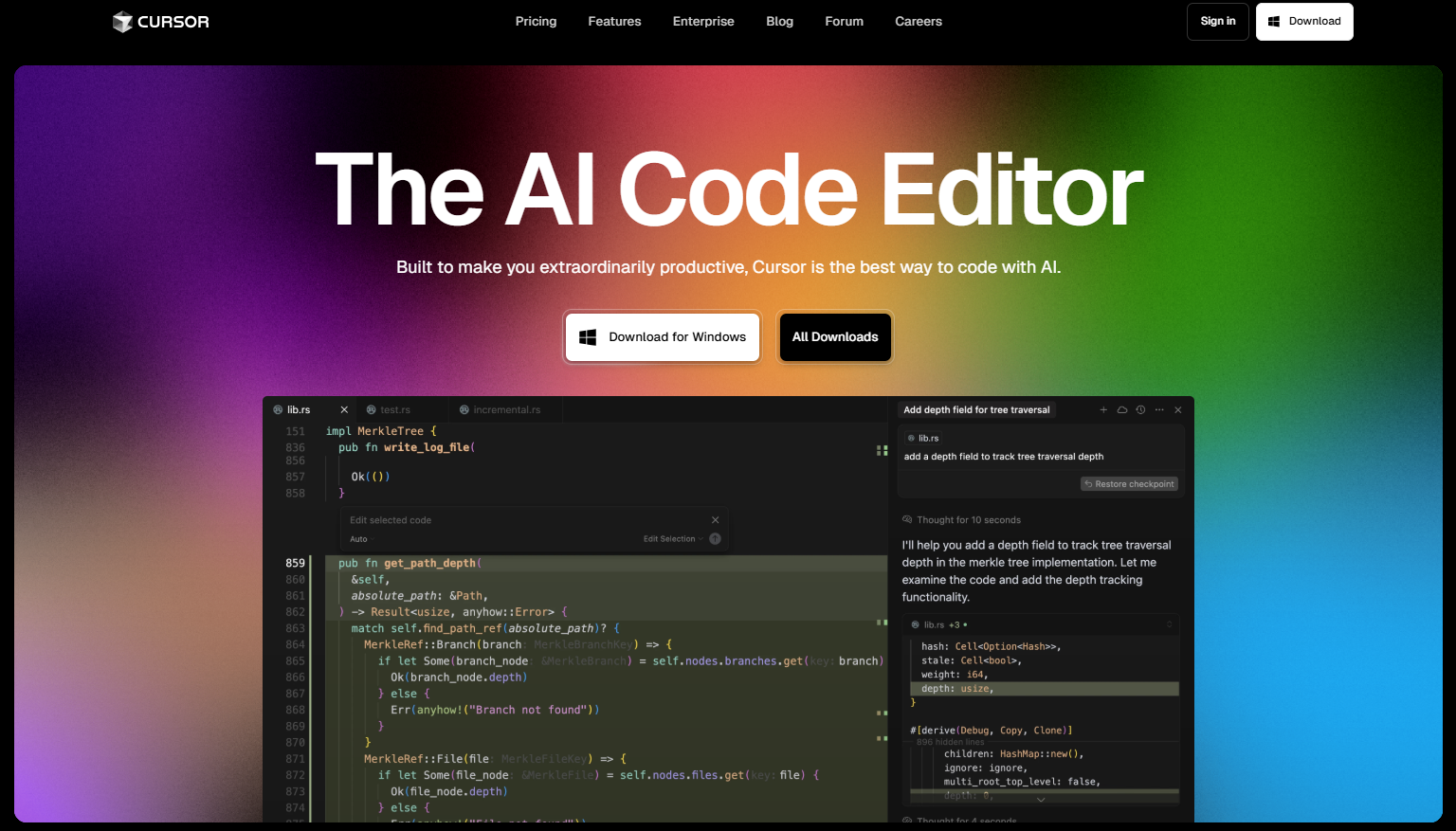
Skills are less appropriate for exploratory or one-off tasks, or for workflows that change significantly with every use. If a task requires heavy context that varies each time, embedding it in a skill may actually reduce quality by constraining Claude’s flexibility. Compare this to tools like Cursor, the AI code editor, which handles context injection at the editor level – the two approaches are complementary rather than competing, and choosing between them is about matching the tool to the task shape.
The developer who opened this article, losing a brilliant prompt in a Slack thread, now has a better option. Build the skill once, package it, store it in .claude/skills/, and the next time that workflow comes up, Claude finds it automatically. The prompt isn’t lost in a thread – it’s infrastructure.
Frequently Asked Questions
Q: Can I use Python or npm packages inside a Claude skill?
A: Yes – Claude Code and the Claude client can install packages from PyPI (Python) and npm (JavaScript/Node.js) at skill load time. However, API Skills cannot install additional packages at runtime; all dependencies must be pre-installed in the container before the skill runs.
Q: Who can use Claude custom skills?
A: Custom skills are available to users on all Claude plans – free, Pro, Max, Team, and Enterprise. The only prerequisite is that code execution must be enabled in your Claude settings.
Q: Where should I store my skills?
A: Project-level skills that apply to a specific codebase belong in .claude/skills/ inside your project directory. Personal skills you want available across all projects go in ~/.claude/skills/ in your home directory.
Source: https://support.claude.com/en/articles/12512198-how-to-create-custom-skills
This article was researched and written with AI assistance, then reviewed for accuracy and quality. Nia Campbell uses AI tools to help produce content faster while maintaining editorial standards.
Need help with your web project?
From one-day launches to full-scale builds, DRS Web Development delivers modern, fast websites.