

Last updated: July 31, 2026
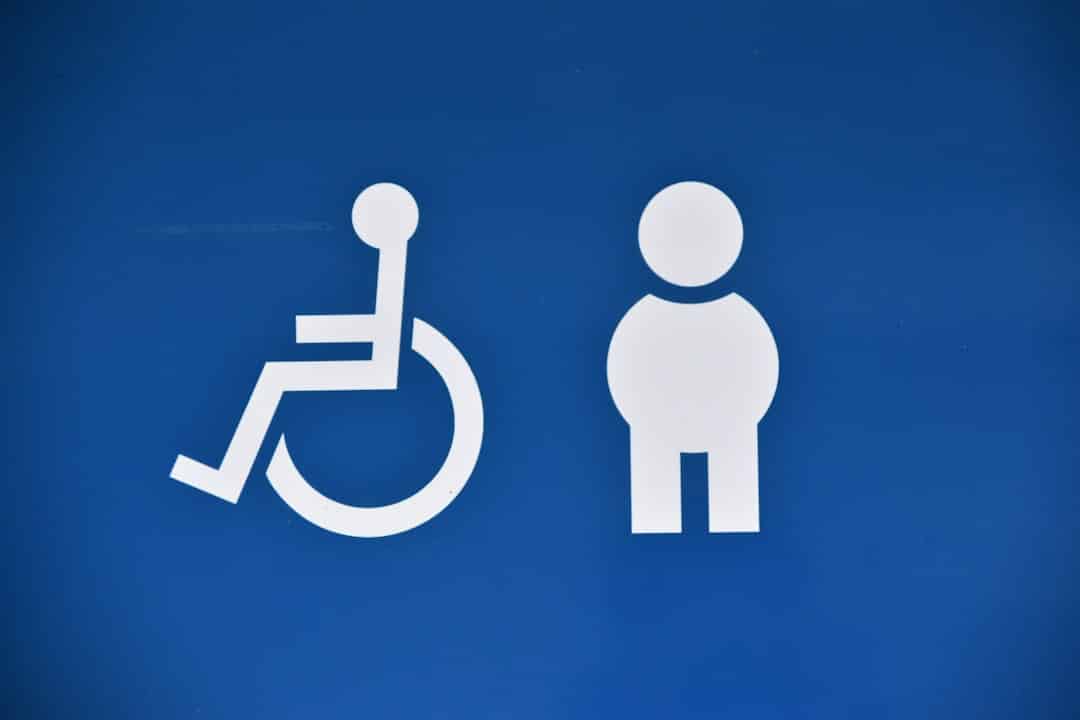
Image: WCAG Pros
Here is what changes in your build pipeline this year: accessibility testing stops being a pre-launch checklist and starts being a merge gate. WCAG 2.2 is now an approved ISO/IEC standard (ISO/IEC 40500:2025) and is referenced in accessibility legislation across the US, Europe, Canada, and Australia. Deadlines that were abstract in 2024 are enforceable in 2026. That means automated scanning in CI, documented audit trails, and manual review baked into sprint cycles – not bolted on at the end. The discipline that makes this practical is WCAG accessibility testing: evaluating a site against the Web Content Accessibility Guidelines to find barriers for users with disabilities, covering blind users, people with low vision, motor disabilities, and cognitive processing challenges.
What Automated Accessibility Scanning Does Well
Image: WCAG Pros
Automated tools are fast, consistent, and scale effortlessly – the right starting point for any testing workflow. Plug axe, WAVE, or Lighthouse into your CI/CD pipeline and you get instant feedback on colour contrast ratios, missing image alt text, and unlabelled form inputs on every code push. For large sites – an ecommerce platform with hundreds of product pages, for example – automated checks prevent regressions at a scale no manual reviewer can match.
WCAG 2.2 added nine new success criteria over 2.1, targeting three practical areas: mobile touch target sizing, cognitive accessibility (including accessible authentication flows), and improved focus appearance for low-vision users. Automated tools handle the measurable parts of these criteria well – contrast ratios, touch target dimensions – reliably and cheaply. And because WCAG 2.2 is fully backward-compatible, a site meeting 2.2 requirements automatically satisfies 2.0 and 2.1. One target. No juggling.
Why Manual Testing Catches What Scanners Miss
Here is the myth worth busting: a scan is not an audit. Automated tools catch roughly 30% of WCAG issues. The remaining 70% require a human reviewer – and that 70% is precisely where most legal exposure lives.
Consider a typical checkout form. Lighthouse scores it at 98. Green across the board. Now open it without a mouse. Tab past the card number field – focus jumps to the page footer, skipping the CVV and expiry inputs entirely. They exist in the DOM but are wrapped in a custom component that swallows keyboard events. A screen reader announces “group” for the delivery address section and nothing else, because the fieldset has a legend with aria-hidden="true" set by a well-meaning developer trying to suppress a visual heading. Submit the form with an invalid postcode and the error appears in red above the field – no role="alert", no aria-describedby linking it to the input. A sighted user sees it immediately. A screen-reader user hears nothing change. The form that passed automated scanning is, in practice, unusable for a significant portion of users. That is the gap.
Manual WCAG accessibility testing means navigating your site using only a keyboard: tab order, visible focus indicators (WCAG 2.2 tightened focus appearance requirements significantly), modal traps, skip-navigation links. It means opening a screen reader – NVDA on Windows, VoiceOver on Mac – and listening to how your page is announced. It means verifying that login flows do not rely on pattern-recognition or memory, directly addressing WCAG 2.2’s new accessible authentication criteria for users with cognitive and learning disabilities.
The POUR framework underpins all of this. POUR stands for Perceivable, Operable, Understandable, and Robust – the four foundational principles that every WCAG success criterion maps to. Automated tools handle “Perceivable” reasonably well: missing alt text, contrast failures. “Operable” and “Understandable” – keyboard behaviour, consistent help patterns, clear error messaging – require human judgement. Think of it like a structural survey: a drone photograph catches roof damage, but a surveyor still walks the floors.
When to Run Each Test in Delivery
Knowing which test to run matters as much as knowing how to run it. Here is a practical sequencing for a sprint-based workflow.
During development (every commit): run axe-core or Lighthouse in CI. Fail the build on critical violations. This catches colour-contrast regressions, missing labels, and invalid ARIA roles before they reach review. Fast. Cheap. Non-negotiable.
At component completion: run a keyboard-only walkthrough of the new component in isolation. Does focus enter, move logically, and exit? Does a modal trap focus correctly and release it on close? Five minutes per component saves hours of retrofit work later.
Before sprint demo (manual audit of new journeys): open NVDA or VoiceOver and walk every new user journey end-to-end. Prioritise the highest-traffic paths – checkout, registration, core navigation. This is where the checkout-form class of bug surfaces.
Pre-launch: commission an independent audit if the site handles regulated services or if your client base includes public-sector organisations with procurement requirements. Document the audit findings and your remediation responses. That paper trail matters.
Post-launch (continuous): monitor with automated scanning integrated into your development workflow. Third-party scripts, CMS content updates, and A/B tests all introduce regressions. Set alerts rather than waiting for complaints.
Automated vs Manual: Honest Trade-offs
Neither approach replaces the other – combining them is what Level AA compliance actually requires.
Automated scans give you speed and breadth. A 500-page site scans in minutes. Manual audits give you accuracy and defensibility, but auditing that same site thoroughly takes days. The practical answer: automate across the whole codebase, then manually audit your highest-traffic journeys – checkout flows, sign-up forms, core navigation. Run the keyboard audit at component level during development, not as a single late-stage sweep.
The gold standard is testing with real assistive-technology users. People who navigate daily with screen readers or switch controls surface issues no automated tool or checklist ever reaches. If budget allows even a single usability session with a screen-reader user, prioritise it.
A practical WCAG testing checklist for 2026: automated scan on every commit, colour-contrast check against WCAG 2.2 thresholds, keyboard navigation audit per component, screen-reader walkthrough of key journeys, real-user testing with assistive technology where possible, remediation prioritised by severity, and monitoring integrated into your build pipeline.
Thirty per cent coverage is not compliance. That number – tools catching roughly 30% of issues – is not a reason to skip automation. It is a reason to treat automation as the floor, not the ceiling.
Frequently Asked Questions
Q: What is WCAG accessibility testing?
A: WCAG accessibility testing is the process of evaluating a website against the Web Content Accessibility Guidelines to identify barriers for users with disabilities, including visual, motor, and cognitive impairments. It combines automated scanning tools with manual human review to achieve genuine compliance.
Q: Do automated tools provide full WCAG coverage?
A: No. Automated scanning tools catch roughly 30% of WCAG issues. The remaining 70% – covering keyboard navigation, screen-reader behaviour, and cognitive accessibility criteria – requires manual human review, and that gap is where most practical risk sits.
Q: What is WCAG Level AA and why is it the legal target?
A: Level AA is the middle tier of WCAG conformance and the standard referenced in accessibility legislation across the US, Europe, Canada, and Australia. It represents the practical minimum for broad usability across disability types and the baseline most procurement and legal requirements specify.
Q: What changed in WCAG 2.2?
A: WCAG 2.2 added nine new success criteria covering mobile touch targets, accessible authentication for users with cognitive disabilities, and improved focus appearance for low-vision users. It is fully backward-compatible with WCAG 2.0 and 2.1, so meeting 2.2 satisfies all three.
Q: What are the POUR principles?
A: POUR stands for Perceivable, Operable, Understandable, and Robust – the four foundational principles underpinning every WCAG success criterion. They define how content must be designed and developed to be accessible to users with a range of disabilities.
Q: When should I run manual accessibility testing in a sprint?
A: Run keyboard-only testing at component completion, screen-reader walkthroughs before sprint demo for new journeys, and a full independent audit before launch for any site serving regulated sectors or public-sector clients. Automated scanning should run continuously on every commit.
If you are building for 2026 requirements or want an independent assessment of where your site currently stands, DRS Web Development builds custom websites and web applications for businesses of all sizes, with accessibility compliance woven into the process from the first sprint rather than added at the end. Get in touch for a free consultation.
Source: https://wcagpros.com/wcag-articles/a-z-guide-to-wcag-accessibility-testing/
This article was researched and written with AI assistance, then reviewed for accuracy and quality. Riya Shah uses AI tools to help produce content faster while maintaining editorial standards.
Need help with your web project?
From one-day launches to full-scale builds, DRS Web Development delivers modern, fast websites.