

Last updated: August 5, 2026
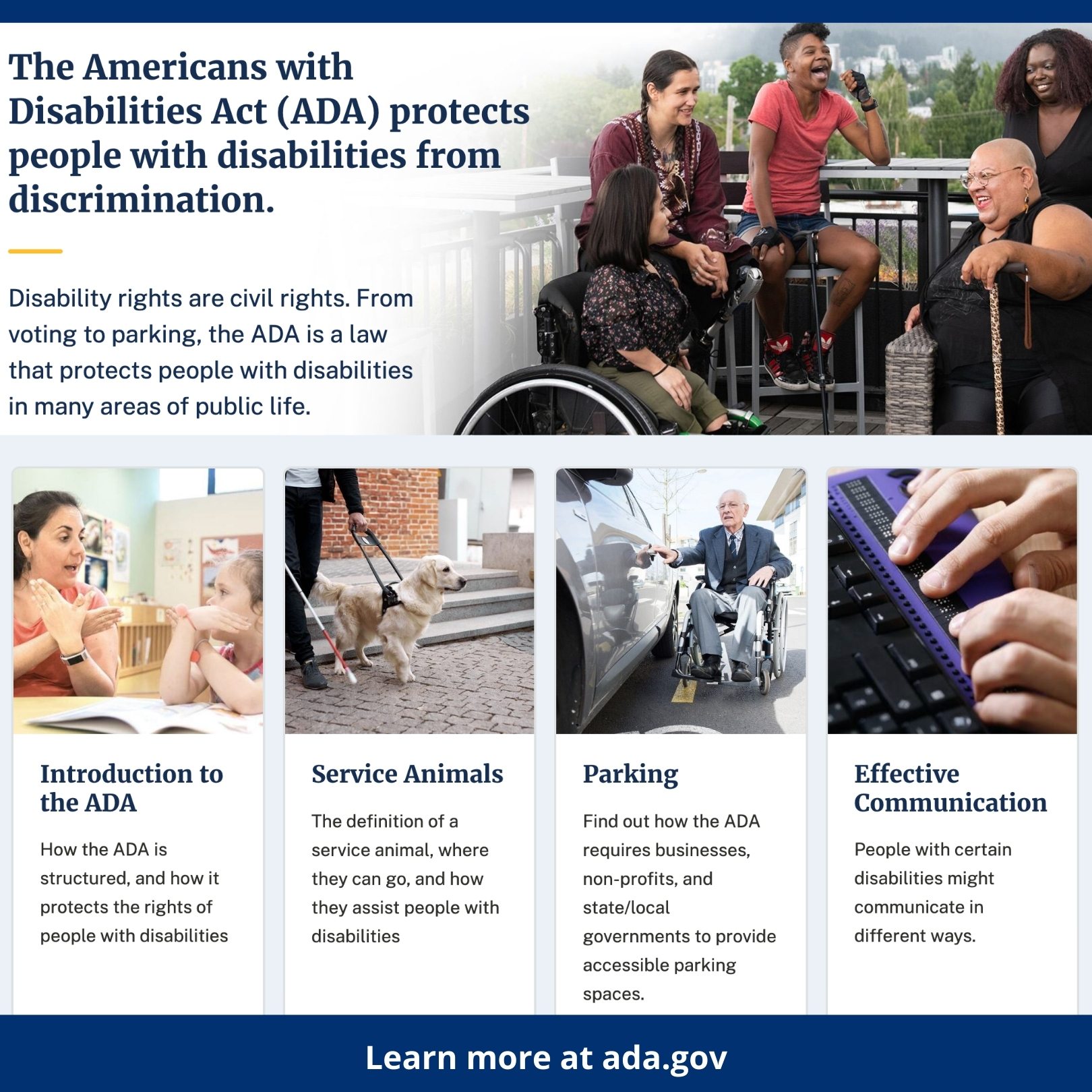
Image: ADA.gov / U.S. Department of Justice, Civil Rights Division
If your government client’s website still has no skip-navigation links, unlabelled form inputs, and PDFs that screen readers treat as noise, the clock is now loudly ticking. ADA Title II web accessibility has moved from policy aspiration to federal mandate, and developers working with state and local government entities need to understand exactly what they’re being asked to build – and by when.
In April 2024, the U.S. Department of Justice published a final rule under Title II of the Americans with Disabilities Act (ADA) – the law prohibiting disability discrimination by public entities – setting technical requirements for government websites and mobile apps. An Interim Final Rule in April 2026 extended the deadlines: entities serving populations of 50,000 or more must comply by 26 April 2027; smaller entities and special district governments have until 26 April 2028. That sounds generous. It isn’t, once you understand the scope.
Prerequisites – What You Need Before You Start
Image: ADA.gov / U.S. Department of Justice, Civil Rights Division
You need a working knowledge of WCAG accessibility testing – specifically WCAG 2.1 Level AA, the standard the rule mandates. You also need admin access to every CMS, asset library, and third-party integration your client runs. And you need stakeholder buy-in: this is not a sprint ticket, it’s an infrastructure project.
Step 1: Conduct a Full Content Inventory
The scope of covered content splits into four distinct workstreams – each with different tooling, different timelines, and different specialists to involve.
Web content covers public-facing pages, intranet portals, and employee or student portals. Run a full crawl with Screaming Frog and flag every template variation. A heading-level problem baked into a CMS theme replicates across hundreds of pages at once – fix the template, not the pages individually.
Documents – PDFs, Word files, spreadsheets, presentations – are frequently the worst offenders and the most time-consuming to fix. A scanned PDF is essentially an image to a screen reader: zero structural information, zero navigability. Log every document in your asset library and assign a remediation priority before you touch a single file.
Mobile apps fall under the rule if the entity offers a native iOS or Android application. Mobile accessibility is tested differently: iOS VoiceOver and Android TalkBack are your primary assistive technologies, and interactive elements need sufficient touch target sizes (at least 44×44 CSS pixels, per WCAG 2.5.5). Build this into your component library from the start.
Third-party vendors – map embeds, calendar widgets, payment processors, chatbots – are in scope wherever a user must interact with them. The consequence: your procurement decisions now carry legal weight. Confirm compliance in writing before deployment, and add a compliance clause to any new vendor contracts. A widget that was non-compliant when you inherited the project is now your client’s legal exposure, not the vendor’s.
Prioritise high-traffic and legally significant content – service applications, contact forms, emergency information – for remediation first.
Step 2: Audit Against WCAG 2.1 AA (and Consider 2.2)
Run automated testing with Axe or Lighthouse to catch the obvious failures: missing alt text, insufficient colour contrast, form fields without labels. Automated tools catch roughly 30-40% of real issues – a well-documented limitation of the tooling. The rest requires manual checking with assistive technology like NVDA or VoiceOver.
Here is a concrete first fix that catches developers off guard. Every page needs a functioning skip-navigation link: a visually hidden anchor that becomes visible on focus, letting keyboard users jump past the header to #main-content. Without it, a keyboard user tabs through every navigation item on every page load. One HTML element, a handful of CSS lines. The consequence of not having it: every keyboard user faces a barrier on every single page view.
For forms, every input needs a programmatically associated label – not a placeholder, not visually adjacent text, but a <label for="..."> or aria-labelledby attribute. Before: a screen reader reaches your search field and announces “edit text” with no context. After: it announces “Search, edit text”. That difference determines whether someone can use your site independently.
Some institutions, such as UNC Chapel Hill, are already targeting WCAG 2.2 AA. The federal rule mandates 2.1 as the minimum; 2.2 adds nine new success criteria, primarily improving things for users with cognitive disabilities and those on mobile. Building to 2.2 now is forward-proofing, and is not significantly more work than 2.1.
Step 3: Remediate in Priority Order
Fix issues by consequence, not convenience. Sequence high-traffic, high-impact issues first.
For PDFs: use Adobe Acrobat Pro’s Accessibility Checker or the free PAC 2024 validator. Every PDF needs tagged headings (not just visually large text), a language attribute, meaningful reading order, and alt text on meaningful images. A scanned document must be run through OCR and then manually tagged. Plan for this workload – document remediation is typically the single largest task in a Title II compliance project.
For dynamic JavaScript-rendered content – React or Vue single-page applications – focus management after state changes is the most common failure point. When a modal opens, focus must move to it. When it closes, focus must return to the trigger. When content updates asynchronously, an ARIA live region must announce the change to screen readers. Modern frameworks support this but do not do it automatically. Use modern web frameworks and build these patterns into your component library, not retrospectively across individual components.
Step 4: Govern – Build the Policy, Not Just the Fix
Remediation without governance is a leaking bucket. You fix the current state; staff upload an inaccessible PDF next week and you are back where you started.
The concrete deliverable is an internal content policy: a short document specifying that all PDFs must be tagged before upload, all images must carry alt text, all pre-recorded video must have captions (required under WCAG 1.2.2). Pair it with a brief staff training session – even a 30-minute walkthrough of how screen readers navigate a page changes how people think about the content they create.
The official ADA.gov guidance lays out 11 preparatory action steps for ADA coordinators, including staff training, policy creation, and vendor contract review. Use it as your project brief checklist alongside your technical audit.
ADA Title II Web Accessibility – Common Myths Busted
Myth: Automated tools will catch everything. False. They catch structure failures but miss interactive flow issues entirely.
Myth: Only the public homepage needs to comply. False. Intranet portals, instructional technology, and embedded third-party widgets all fall under the rule.
Myth: Adding an accessibility overlay widget is sufficient. It isn’t. Overlays do not fix underlying markup problems and have been repeatedly challenged in court.
Troubleshooting – Common Pitfalls
Inherited CMS templates frequently hard-code heading levels incorrectly – audit your theme before adding content. Third-party map embeds and calendar widgets are notorious accessibility gaps – confirm vendor compliance in writing before deployment and request a VPAT (Voluntary Product Accessibility Template), the vendor’s published statement of what their tool does and does not support.
Frequently Asked Questions
Q: What is the WCAG 2.1 Level AA standard required by the ADA Title II rule?
A: WCAG (Web Content Accessibility Guidelines) is a technical standard published by the W3C defining how web content must work with assistive technologies. Level AA is the middle tier – more rigorous than A, less exhaustive than AAA – and is the minimum the DOJ mandates for government sites and apps.
Q: Does the rule cover PDFs and third-party tools, or just HTML web pages?
A: The rule covers a broad range of digital content – PDFs, Office documents, mobile apps, social media accounts, and third-party vendor tools. Non-compliant integrations are your client’s legal exposure; confirm vendor compliance in writing or build contract clauses that require it.
Q: Is an accessibility overlay widget a valid compliance solution?
A: No. Overlays do not fix underlying markup problems and have been challenged in court multiple times. Compliance requires correcting the source HTML, document structure, and interactive behaviour of the content itself.
Q: What’s the difference between WCAG 2.1 AA and WCAG 2.2 AA?
A: WCAG 2.2 adds nine new success criteria to the 2.1 standard, primarily for users with cognitive disabilities and mobile users. [citation needed] The federal rule mandates 2.1 AA as the minimum; targeting 2.2 now is a reasonable forward-proofing decision that adds relatively little extra work.
DRS Web Development builds custom websites and web applications for businesses and public bodies of all sizes – with accessibility engineered into the foundation rather than bolted on at the end. If you are working with a government client and need a development partner who treats compliance as a proper engineering discipline, get in touch for a free consultation.
Source: https://www.ada.gov/resources/web-rule-first-steps/
This article was researched and written with AI assistance, then reviewed for accuracy and quality. Riya Shah uses AI tools to help produce content faster while maintaining editorial standards.
Need help with your web project?
From one-day launches to full-scale builds, DRS Web Development delivers modern, fast websites.