


Last updated: April 22, 2026
Imagine you’ve just onboarded a new client. They want a blog, a members area, and a product catalogue. Your instinct is to reach for WordPress – the same tool you’ve used since 2004. Then you stop. Because in 2026, that instinct deserves interrogating.
After two decades building on WordPress, I’ve watched the ecosystem mature into something impressive and, increasingly, something bloated. The question isn’t whether WordPress still works. It does. The question is whether it’s still the right default – and for a growing number of projects, the honest answer is no. The landscape of WordPress alternatives 2026 has reached genuine maturity, and developers ignoring it are leaving performance, maintainability, and developer experience on the table.
Why developers are leaving WordPress – and when they’re right to
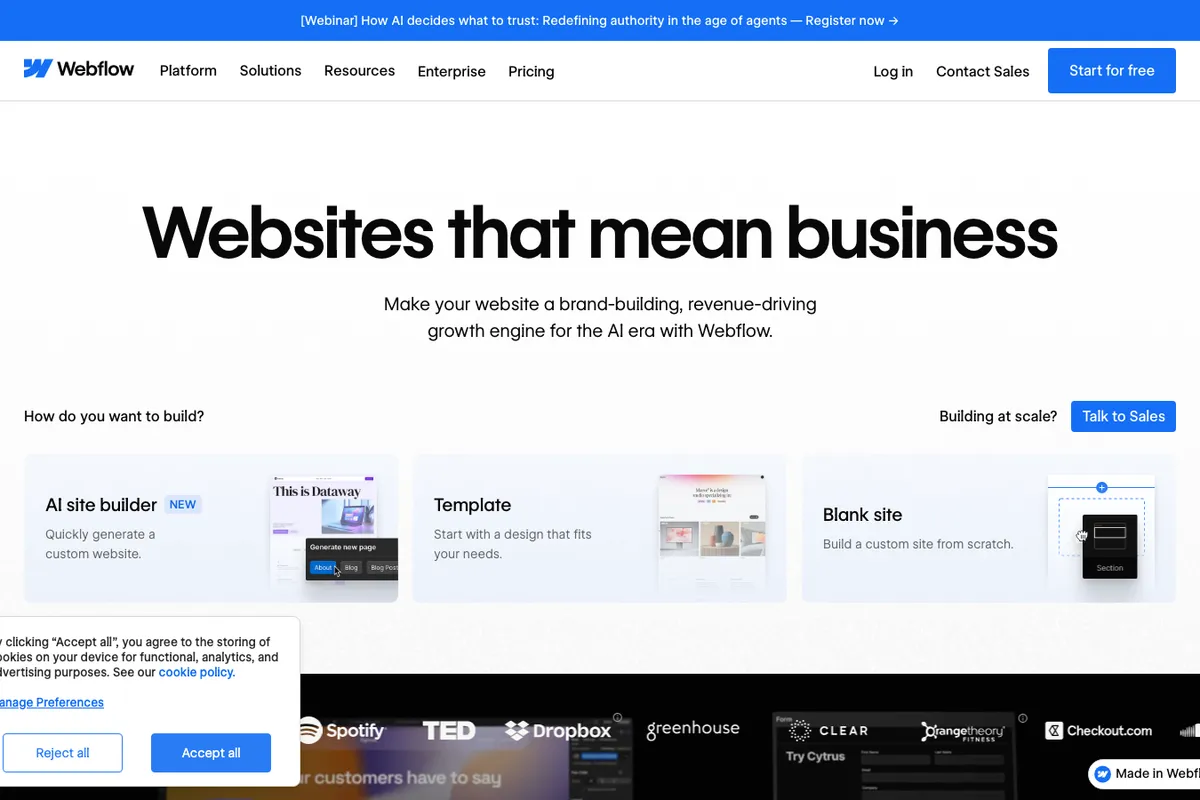
Image: noevu.ch
The case for leaving isn’t about WordPress being broken. It’s about opportunity cost.
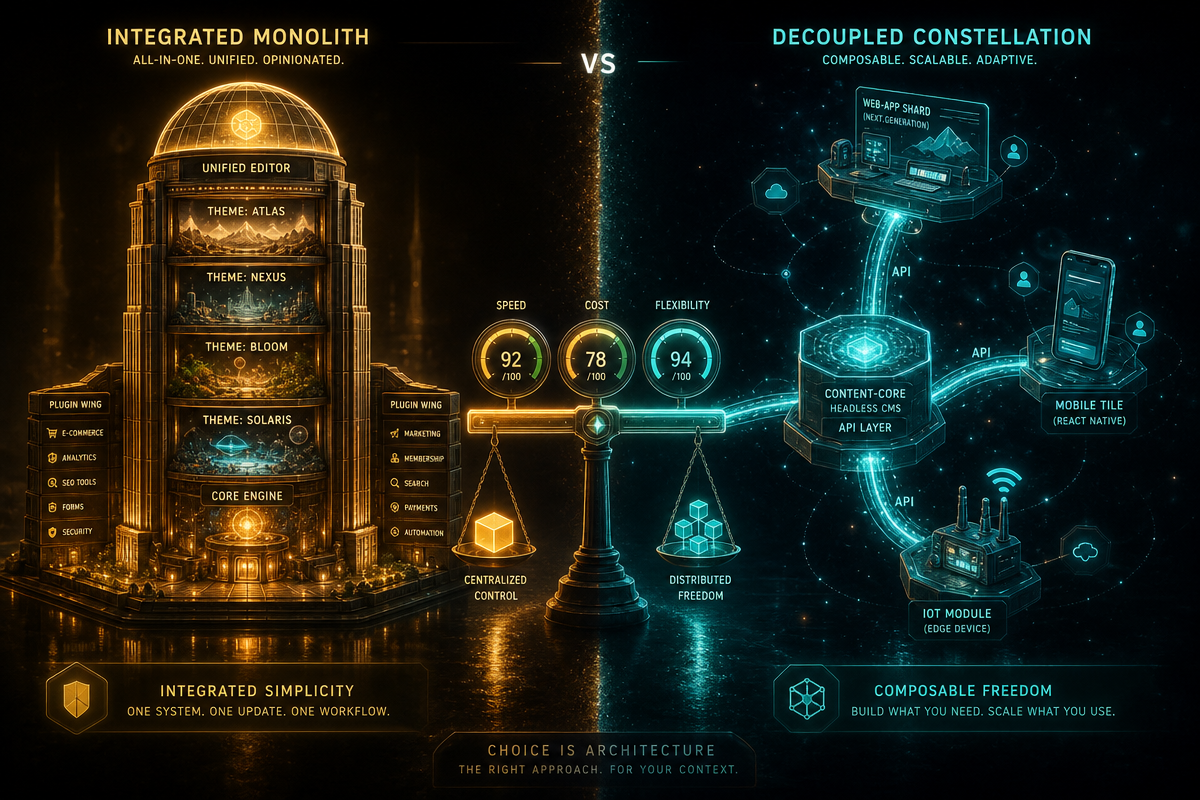
WordPress carries decades of architectural decisions made when PHP 4 was current and REST APIs were science fiction. The result is a system that can do almost anything but does very little elegantly. A typical WordPress install in 2026 ships with a plugin stack that resembles geological strata – layers of tooling added over years, often by different developers, often conflicting. Security surface area is vast. Performance requires perpetual management. The block editor (Gutenberg) is genuinely powerful, but its learning curve for non-technical editors remains steep, and its underlying data model – blocks serialised as HTML comments – is a decision that still raises eyebrows.
For content-heavy sites with large editorial teams, WordPress remains hard to beat purely on ecosystem depth. Need a custom post type, an e-commerce layer, a membership gate, and a multilingual setup? The plugins exist. But for a dev shop building bespoke sites for SMEs in 2026, that depth comes at a cost: every plugin is a dependency, every dependency is a liability, and every update cycle is a risk mitigation exercise dressed as routine maintenance.
The pattern I see most often: clients come to us having run WordPress for five years, paying for hosting, security scanning, and monthly maintenance retainers – then asking why their site still feels slow. The answer is usually architectural, not operational.
WordPress alternatives 2026: the leading contenders
The field has consolidated meaningfully. A handful of platforms now cover the vast majority of use cases developers were previously solving with WordPress.
Ghost (v6 as of 2026) is the cleanest story for publication-focused sites. It is a headless-native CMS built on Node.js, with a membership and newsletter layer baked in at the data model level rather than bolted on. The editor is genuinely pleasant. Performance out of the box is strong. Where Ghost falls short is flexibility – custom content types remain limited compared to WordPress, and if your client needs anything beyond a publication, you’ll be fighting the tool.
Webflow has matured from a design-tool curiosity into a serious CMS for marketing sites. The visual editor is genuinely good, the hosting infrastructure is solid, and the CMS collections model covers most content architecture needs. The trade-off is lock-in: Webflow is a hosted platform, and migrating away later is non-trivial. For agency work where the client owns the relationship and you’re the builder, that’s a conversation worth having upfront.
Astro sits in a different category entirely – it’s a static site framework (a tool for generating pre-built HTML files) rather than a CMS. Paired with a headless CMS like Contentful, Sanity, or even a headless WordPress instance, Astro produces sites that are extraordinarily fast and trivial to host on CDN infrastructure. The developer experience is excellent. The operational complexity is higher – this is a two-system solution, and content editors need tooling for both.
Django with Wagtail (Wagtail is a CMS built on the Django web framework) is the choice I reach for on projects requiring genuine custom data architecture. If you’re building something that’s 40% CMS and 60% web application – user accounts, dashboards, complex relationships between content types – Wagtail gives you the editorial interface while Django gives you everything else. For developers already in the Python ecosystem, this is a natural fit. If you’re curious how Django handles database changes during development, our post on what’s the difference between migrate and makemigrations in Django? covers the fundamentals, and running a Django server on localhost is a practical starting point.
Framer deserves mention for landing pages and marketing sites where design fidelity is paramount. Less a CMS, more a design-to-production tool. Not appropriate for content-heavy sites, but genuinely impressive for what it targets.
Head-to-head: the trade-offs that actually matter
Performance and maintenance burden are where the divergence is starkest.
A well-configured Ghost or Astro site will outperform a well-configured WordPress site on raw page speed benchmarks in almost every comparison. That’s not a knock on WordPress – it’s physics. WordPress generates pages dynamically from a database by default; Ghost and Astro either cache aggressively or pre-render entirely. For SEO, where Core Web Vitals feed directly into ranking signals, this gap has real commercial consequences. A 200ms improvement in Largest Contentful Paint is not an abstraction – it is a measurable uplift in conversion and search visibility.
The honest trade-off is ecosystem depth versus operational cleanliness. WordPress can model almost any content structure, extend in almost any direction, and find a plugin for almost any requirement. Webflow, Ghost, and Framer cannot match that. Django/Wagtail can match it – but requires developer resource to build what WordPress gives you via plugins. There is no free lunch. The question is which currency you’d rather spend: plugin debt, or custom development time.
When to pick each – an honest recommendation
Pick WordPress when: the client has an existing install with established content, when the editorial team is large and already trained, or when the plugin ecosystem solves a genuine requirement that would take weeks to build custom.
Pick Ghost when: the project is primarily a publication or newsletter, the editorial experience matters, and the client values simplicity over extensibility.
Pick Webflow when: the client is a marketing team that needs to self-serve on design changes, the site is a marketing or portfolio site, and long-term vendor lock-in is an acceptable trade.
Pick Astro + headless CMS when: performance is non-negotiable, the development team is comfortable with a JAMstack (JavaScript, APIs, and Markup – a modern web architecture separating front-end from back-end) workflow, and the content model is relatively stable.
Pick Django/Wagtail when: the project is a web application with a CMS layer rather than a CMS with application features bolted on – when the logic lives in the data, not the templates.
WordPress built the modern web’s content layer. That’s a genuine legacy worth respecting. But in 2026, it’s one tool in a mature toolbox – not the default answer to every brief.
If you’re evaluating platforms for a new project or considering a migration away from WordPress, DRS Web Development builds custom websites and web applications for businesses of all sizes. Get in touch for a free consultation and we’ll give you a straight answer on what fits your requirements.
Frequently Asked Questions
Q: Is WordPress still worth using in 2026?
A: Yes, for specific use cases – particularly large editorial sites, e-commerce via WooCommerce, or projects where an existing ecosystem of plugins solves real requirements. It’s no longer the default answer for every project, but it remains the deepest CMS ecosystem available.
Q: What is the best WordPress alternative for a content publication or blog?
A: Ghost is the strongest dedicated alternative for publications. It has a clean editor, built-in membership and newsletter features, and strong performance characteristics. It lacks WordPress’s extensibility, but for pure publishing use cases that’s rarely a problem.
Q: Is Webflow a genuine WordPress replacement or a different tool?
A: It’s genuinely different in philosophy. Webflow targets design-led marketing sites and gives non-technical users significant control over layout and content. WordPress is broader in scope. Webflow is a strong choice for agency-built marketing sites where ongoing design flexibility matters – with the understanding that you’re committing to their hosted platform.
Q: When does Django/Wagtail make more sense than WordPress?
A: When the project is primarily a web application that happens to need a content management layer, rather than a CMS that needs application features added. If you’re building user dashboards, complex data relationships, or custom business logic alongside editorial content, Django/Wagtail gives you a proper application framework rather than a CMS stretched beyond its design.
Q: How do WordPress alternatives compare on SEO performance?
A: Platforms like Ghost and Astro typically outperform standard WordPress on Core Web Vitals metrics because they serve pre-rendered or aggressively cached HTML. This translates to faster Largest Contentful Paint scores, which directly influence search rankings. WordPress can match this with the right caching infrastructure, but it requires ongoing configuration management that alternatives handle by default.
Source: https://jeangalea.com/wordpress-alternatives/
This article was researched and written with AI assistance, then reviewed for accuracy and quality. Riya Shah uses AI tools to help produce content faster while maintaining editorial standards.
Need help with your web project?
From one-day launches to full-scale builds, DRS Web Development delivers modern, fast websites.